Design an AI System
For Your Business.
One Existing Task
at a Time.
You don’t need ten new tools. You need a clear way to turn the work you already do into something AI can help with.
This is the order I use: map your business & create your eco-system, connect your tools, give AI a job, build the workflow, then check the results. Follow the guide yourself, or let’s do the first part together.
What’s an AI operating system? It’s a connected set of tools that knows your business, carries out repeat jobs, and shows you the results. The name sounds big. The starting point can be one small task.
Create an AI Eco-system with Business Context
Using 1 AI tool is dumb. People who say they are switching from Claude to ChatGPT when a new model comes out is a naive way of thinking. The secret to maximum productivity is by building an AI ecosystem, using all of the tools, and allowing them to talk to each other.
Try this.
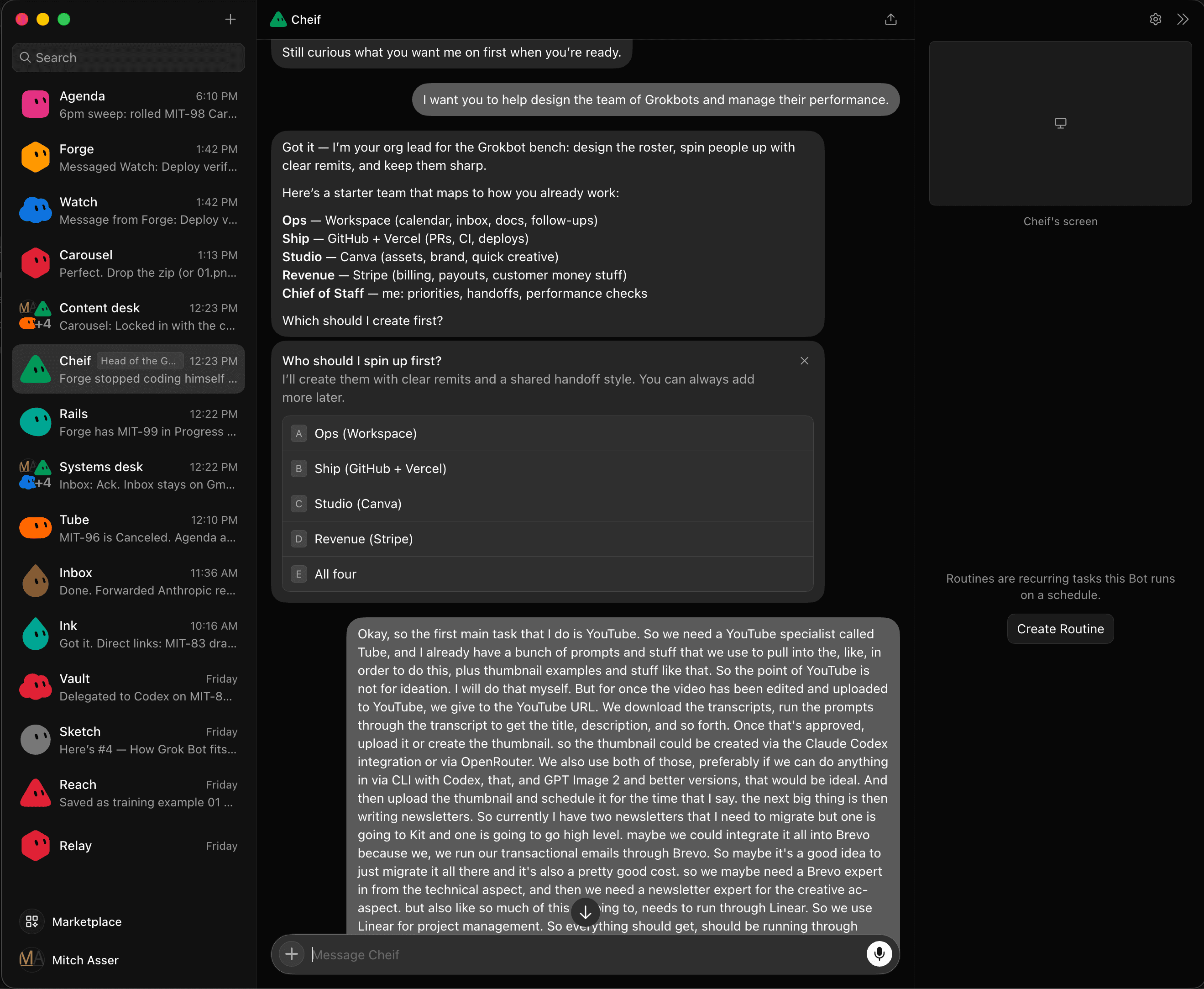
Use Grokbot as your operations team. Claude as your coding and automation assistant. And Codex for planning, marketing, content and coding assistant. Then ensure they all have access to your business context.
Schedule a task to your Grokbot Cheif. He hands the content and marketing to Codex and the automation of the task to Claude. They talk to each other and come back 4 hours later and it's done.
You’re ready to move on when... You check it looks right, is to your specs and approve the task.
Meet your business.
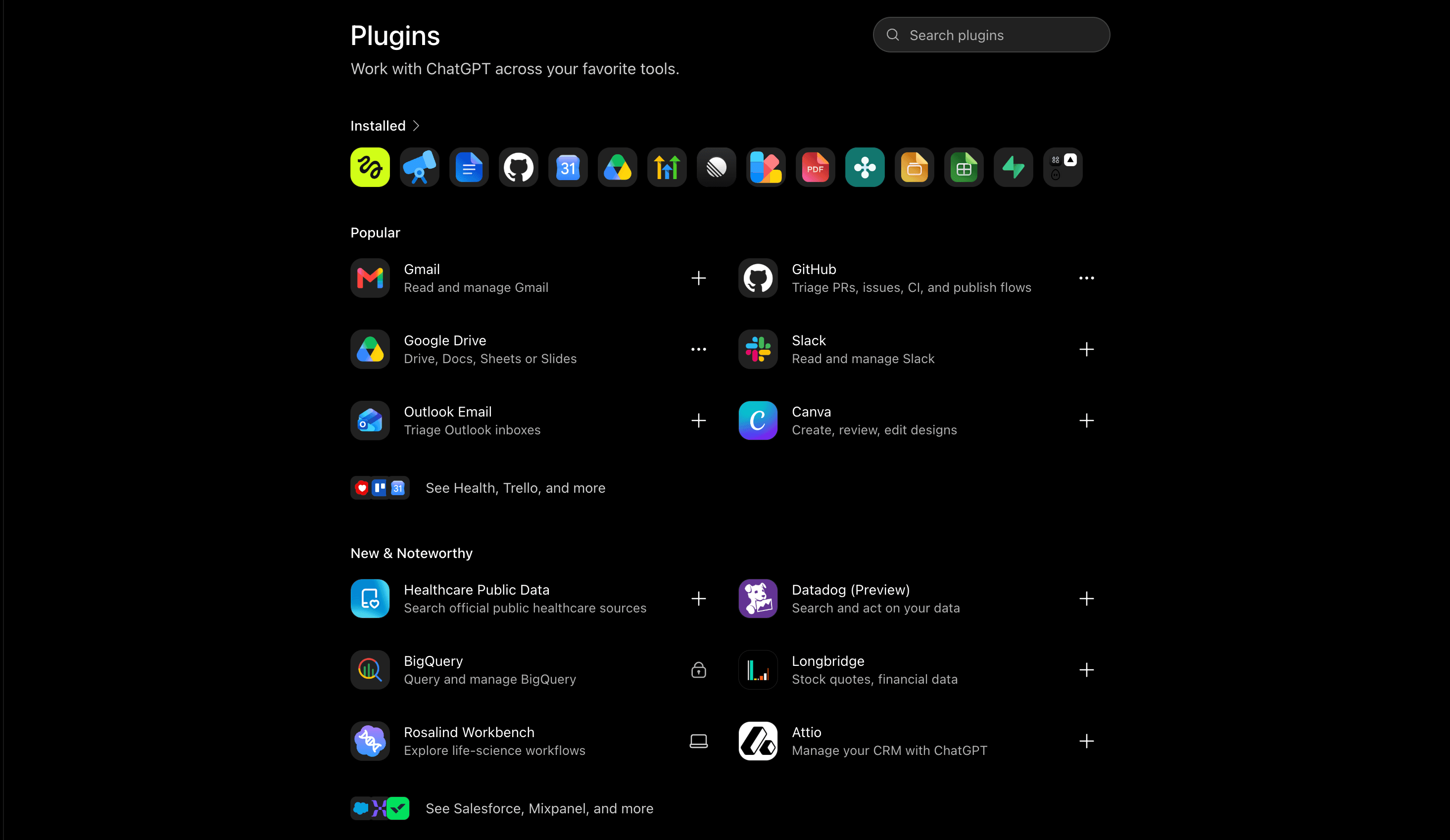
Connect the tools you already use.
Your files, tasks, and customer details probably live in different places. Connect all the tools in every AI dashboard that matter to the first job you want AI to do.
Try this.
Start with your documents. Add the place you track work. Then connect the inbox or customer tool that the task needs. Test each connection with one small job.
Find the notes from a customer call, draft a follow-up, and save it beside the right customer record.
You’re ready to move on when... The right information can move from one tool to the next without copy and paste.
Give each AI helper a clear job.
Treat an AI helper like someone joining your team. Tell it what to do, what it can use, and when it needs to ask for help.
Try this.
Write down the job (you can even talk to it), the expected result, the tools it can access, and which actions need your approval. Give each task one clear owner.
A research helper can find stories and draft a brief. It can’t publish a post or email your customers without a person checking first.
You’re ready to move on when... You know what the helper handles and what still needs you.
Build one whole workflow.
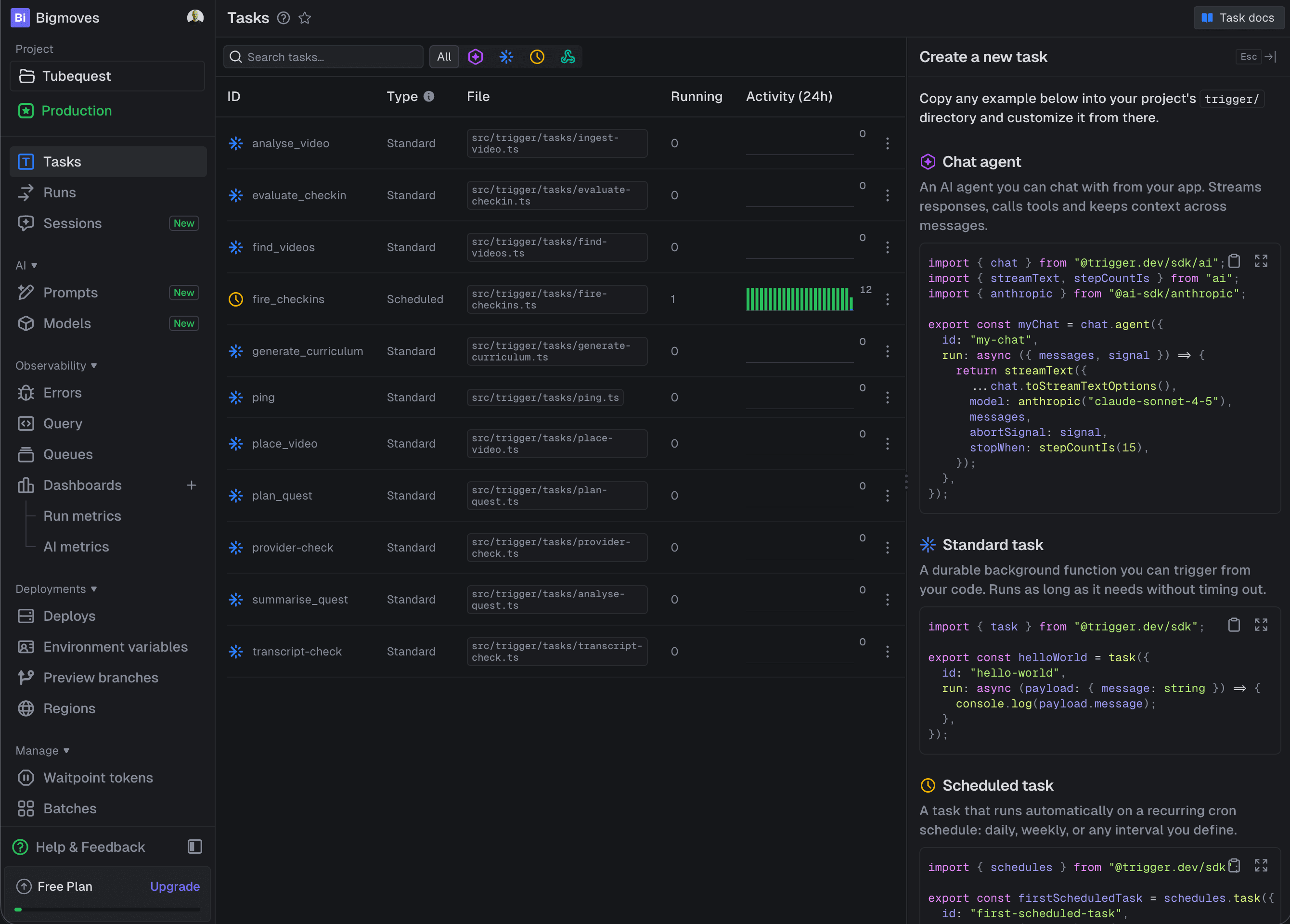
Pick a small job that happens every week. Make the full path work, from the first input to a saved result your team can use.
Try this.
List the steps. Decide where AI makes a judgment and where software follows a set rule. Build it, try it with real examples, and check what happens if a step fails.
A call recording arrives. AI writes notes. The app creates next steps. It automatically creates the tasks in your PM tool. It assigns those tasks to other AI bots, who get to work without your instruction.
You’re ready to move on when... One real task reaches the finish line without someone moving it through every step.
Check the results. Then add more.
A workflow is useful when it works on a normal busy day. Keep an eye on quality, time saved, and the jobs that need help.
Try this.
Review a few results each week. Track how long the job used to take and how long review takes now. Fix the weak spots before adding another workflow.
If a report saves an hour but takes two hours to correct, it needs work. If it’s useful in a ten-minute review, you have a good base to build on.
You’re ready to move on when... You can see the work, trust the result, and measure whether it helped.
Want Me to Help You Do This?
I’ll help connect your tools and map the first ten AI workflows worth building for your business.
We work through your business brief and the tools you use, then test the connections we agree on. You leave knowing what to build first, why it matters, and what it could save.
- Your key tools connected and tested
- A ranked list of 10 workflow opportunities
- Estimated time savings and the scope of each idea
- A clear next step you can take yourself or hand over
The audit covers the foundation and tool setup. Building all ten workflows is separate. We agree on the tools, access, session length, currency, and follow-up before booking.
Before we start.
I’ve barely used AI. Is this for me?
Yes, 100%. You need me more than anyone else does. We start with your business and the work you do. You don’t need to learn technical terms or arrive with a list of tools. Just tell me your biggest bottlenecks and frustrations and I'll solve them.
Do I need to buy a whole new set of apps?
No. We start with what you have. Some connections may need a paid plan or extra service, but we agree on costs before adding anything. You will need to plans for Claude, Codex and Grok as a minimum (about $100-500 extra). Everything else we'll discuss and there's usually free options available plus paid AI usage. However, we usually save our clients 50% or more on their existing software tools they no longer need to pay for.
Does the audit include building the workflows?
It includes the agreed tool connections and a prioritized plan for ten workflows. Building those workflows is separate. You can build them yourself, use another developer, or work with me.
What should I bring?
A list of the tasks you repeat, the tools you use, and examples of the results you want. I’ll confirm what access is needed before the session. Never send passwords in the application form. I'll jump on a call with you and we'll work through the connections together. At the same time i'll get to know your business better and will deliver a next steps map within 48 hours of the call.
What happens when I apply?
First, you share your email. Then you answer a short form about your business and current AI use. I’ll review it and email you about the session before any payment is due.